In a nutshell: A crypto wallet is the tool that holds the keys to your Bitcoin, ETH and other coins. It does not store coins like a leather billfold; it stores the private keys that prove you own them on the blockchain. Hot wallets stay online for everyday use. Cold wallets stay offline for long-term storage. Your seed phrase is the master backup — lose it and you can lose everything.
Last updated: September 28, 2026. Wallet types and security basics are evergreen; always check official docs before installing any app or device.
A crypto wallet is how you actually hold and move digital assets. Whether you buy Bitcoin through an exchange, hold ETH after learning what Ethereum is, or keep coins from a long-term investment strategy, you eventually need a safe place for those keys. This beginner’s guide explains what a crypto wallet is, how hot and cold wallets differ, what seed phrases do, and how to set one up without falling for common scams.
Table of contents
What Is a Crypto Wallet?
On a blockchain, your coins live on the public ledger, not inside an app. A crypto wallet is software or hardware that creates and manages the cryptographic keys that control those coins. When you “send” Bitcoin or ETH, the wallet signs a transaction with your private key and broadcasts it to the network.
Think of it this way:
- Public address — like an account number you can share so others can send you crypto.
- Private key — the secret that proves you control that address. Anyone with it can move your funds.
- Seed phrase (recovery phrase) — a list of 12 or 24 words that can regenerate all your keys if you lose the device.
Bitcoin.org describes wallets as tools that store private keys and let you interact with the Bitcoin network. Ethereum.org explains the same idea for ETH and tokens: the wallet is your interface; the blockchain holds the balances.
If you only buy exposure through a brokerage product such as a spot Bitcoin ETF, you may never use a personal crypto wallet. ETFs hold the underlying coins for you. Self-custody with a wallet matters when you want to hold coins directly, use DeFi apps, or move assets between networks.
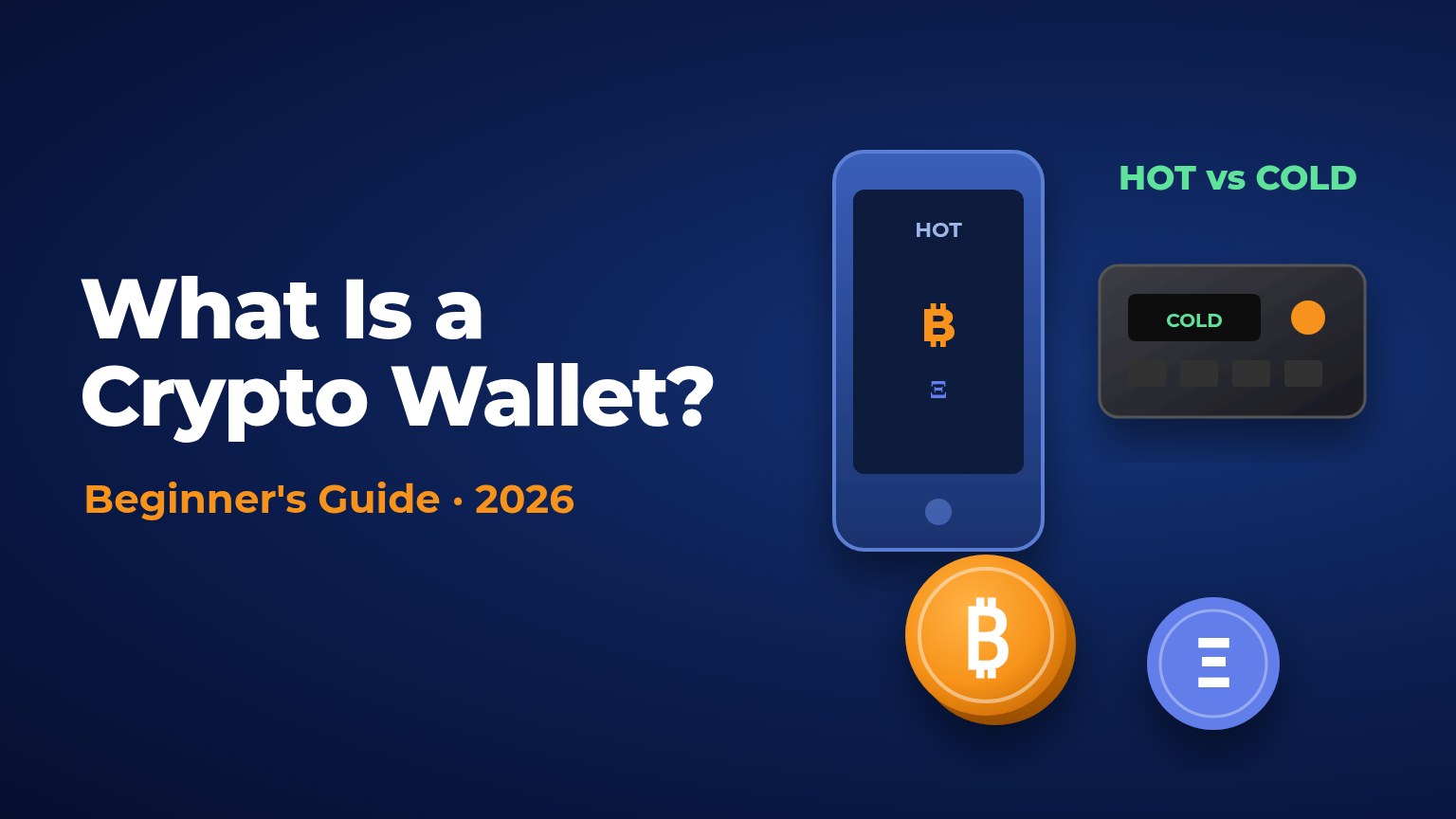
Hot vs Cold Wallets: Which Crypto Wallet Type Fits You?
The most useful split for beginners is hot versus cold.
Hot wallets
A hot wallet is connected to the internet. Phone apps, browser extensions and desktop software all count. They are convenient for spending, trading and interacting with apps. The trade-off is exposure: malware, phishing sites and fake wallet apps can target anything that stays online.
Good uses for a hot wallet:
- Small everyday balances
- Learning how transactions work
- Connecting to trusted apps with amounts you can afford to lose
Cold wallets
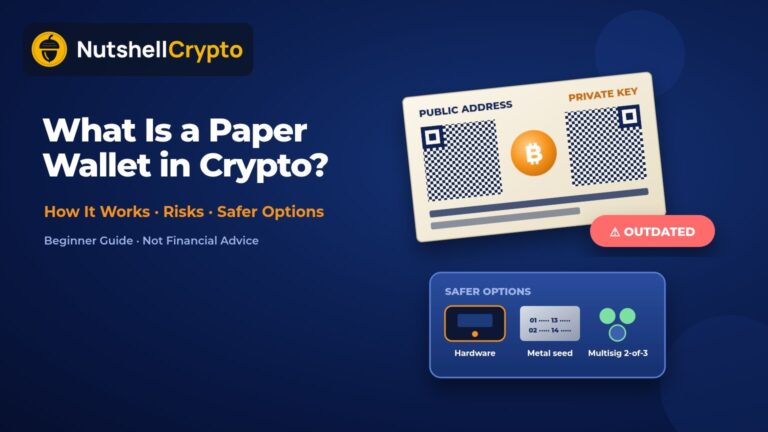
A cold wallet keeps private keys offline. The classic example is a hardware wallet — a small device that signs transactions without exposing the keys to your computer. You confirm amounts and addresses on the device screen. Paper backups of a seed phrase (stored securely offline) are also a form of cold storage, though they are easier to damage or lose.
Good uses for a cold wallet:
- Long-term holdings
- Larger balances
- A “savings” layer separate from your spending wallet
Many people use both: a hot wallet for daily amounts and a cold wallet for the rest. That split is one of the simplest security upgrades you can make.
Custodial vs Non-Custodial Crypto Wallets
The next big choice is who controls the keys.
- Custodial wallet: An exchange or service holds the private keys for you. Logging in with email and password feels familiar, like a bank app. You trust the company to keep funds safe, honor withdrawals and stay solvent. If the platform freezes accounts or fails, your access depends on them.
- Non-custodial (self-custody) wallet: You control the keys. The famous line applies: not your keys, not your coins. You gain independence and responsibility. There is usually no “forgot password” reset if you lose your seed phrase.
Coinbase Help and other major exchanges document both models: leave funds on the platform (custodial) or withdraw to a wallet you control (non-custodial). Neither option is automatically “safer.” Custodial services can have strong security teams and insurance programs, but they concentrate risk. Self-custody removes platform risk and adds personal operational risk — phishing, bad backups and user error.
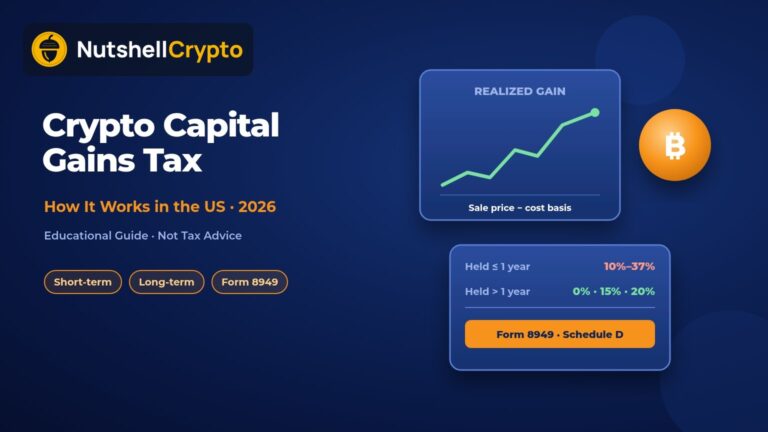
US readers should also remember taxes. Moving crypto between your own wallets is generally not a taxable sale, but selling, trading or earning rewards often is. Our crypto taxes guide covers the basics for US reporting.
Seed Phrases and Recovery: The Heart of Your Crypto Wallet
When you create a non-custodial crypto wallet, it usually shows a recovery phrase (also called a seed phrase or mnemonic). It is typically 12 or 24 English words in a fixed order, following standards such as BIP-39. Those words can recreate your private keys on a new device.
Treat the seed phrase like the master key to a vault:
- Write it down offline. Do not screenshot it, email it, or store it in cloud notes.
- Never type it into a website that “helps recover” your wallet. Legitimate wallets ask for the phrase only inside the official app or device during restore — never on a random page.
- Store copies in secure, separate physical locations if the amount is large. Fireproof storage and metal backup plates are popular for serious holders; paper works if kept dry and private.
- Do not share it with support agents, Discord helpers, or anyone claiming to “validate” your wallet.
CISA and other security agencies regularly warn that phishing and social engineering — not exotic hacks — cause many crypto losses. A fake support chat that asks for your seed phrase is a classic attack.
If someone else learns your seed phrase, they can empty the wallet from anywhere in the world. If you lose every copy and the device fails, the coins are typically unrecoverable. There is no central bank to reverse the mistake.
Hardware vs Software Crypto Wallets
Within self-custody, you will see two product categories.
Software wallets
Apps such as browser extensions and mobile wallets generate and store keys on a phone or computer. They are free or low-cost and easy to start with. Official docs from projects like Bitcoin Core, MetaMask (for Ethereum-compatible networks) and others walk through setup. Stick to downloads from official sites and app stores you trust, and verify URLs carefully — scam clones are common.
Hardware wallets
Devices from makers such as Ledger and Trezor keep keys in a secure chip. You connect them when needed, confirm transactions on the device, then disconnect. Official Ledger and Trezor documentation stresses buying only from the manufacturer or authorized sellers, initializing the device yourself, and never entering your seed on a computer keyboard during normal use.
Hardware wallets reduce risk from malware on your PC, but they are not magic. You can still approve a malicious transaction if you ignore the amount or address on the screen. Always verify the destination address and network before confirming.
How to Set Up a Crypto Wallet Safely
Here is a practical checklist for a first non-custodial crypto wallet:
- Decide the job. Everyday spending, long-term savings, or both? Match hot vs cold to the amount.
- Download only from official sources. Bookmark bitcoin.org, ethereum.org wallet pages, or the vendor’s real domain. Avoid ads and “sponsored” download links.
- Create the wallet on a clean device when possible — updated OS, reputable antivirus habits, no shady browser extensions.
- Write the seed phrase by hand before you fund anything. Confirm you can restore (some wallets offer a practice verify step).
- Send a small test transaction first. Check that funds arrive on the correct network (Bitcoin vs Ethereum vs a layer 2, for example).
- Enable available protections: PIN or passphrase on hardware devices, biometric lock on phone apps, and phishing warnings where offered.
- Separate roles. Keep a small hot balance for experiments. Move larger amounts to cold storage.
- Record tax-relevant history. Note dates, amounts and wallet addresses for your records even when transfers are not taxable events.
If you are still learning Bitcoin’s supply schedule, our Bitcoin halving guide explains why long-term holders often care about cold storage — scarcity only helps if you can still access the coins years later.
Common Crypto Wallet Mistakes to Avoid
- Screenshotting the seed phrase — phone backups and cloud sync can leak it.
- Reusing one hot wallet for everything — a single compromised browser extension can drain years of savings.
- Blindly signing transactions — malicious sites can request unlimited token approvals. Read what you approve.
- Sending to the wrong network — USDT or ETH on the wrong chain is a frequent, expensive error.
- Buying used hardware wallets — a pre-configured device may already have a seed known to a thief.
- Trusting unsolicited “support” — real companies will not DM you first asking for keys.
- Ignoring updates — wallet software patches matter; install updates from official channels.
- No backup plan — one paper copy in a single drawer is fragile. Think about fire, theft and family access if something happens to you (estate planning is part of serious self-custody).
Frequently Asked Questions
What is a crypto wallet in simple terms?
A crypto wallet is an app or device that stores the keys to your cryptocurrency. The coins stay on the blockchain; the wallet lets you send, receive and track them.
Is a hot or cold crypto wallet safer?
Cold wallets are generally safer for large, long-term holdings because keys stay offline. Hot wallets are finer for small, active balances. Many people use both.
Can I recover a crypto wallet without a seed phrase?
Usually no, for non-custodial wallets. The seed phrase (or an equivalent backup) is the recovery method. Custodial accounts may offer email or KYC recovery through the company instead.
Do I need a crypto wallet if I only buy Bitcoin ETFs?
Not for the ETF shares themselves — the fund custodian holds the bitcoin. You need a personal wallet only if you want to hold coins directly or use on-chain apps.
Are hardware wallets worth it for beginners?
If your holdings would hurt to lose, a hardware wallet from a reputable maker is often worth the cost. Start with official setup guides and a tiny test transfer.
What happens if I lose my phone with a software wallet?
If you still have the seed phrase, you can restore the wallet on a new phone. If you lose both the device and the seed, the funds are typically gone.
Sources
- Bitcoin.org: Choose your wallet
- Ethereum.org: Ethereum wallets
- Ethereum.org: Security and scam prevention
- CISA: Understanding and Mitigating the Risks of Cryptocurrency Scams
- Coinbase Help: What is a crypto wallet?
- Ledger Support: How to set up a new Ledger device (official docs)
- Trezor Learn: What is a hardware wallet?
- Wikipedia: Cryptocurrency wallet
Disclaimer: This article is for educational purposes only and is not financial, investment, tax, or legal advice. Cryptocurrency is volatile and you can lose money. Wallet setup and self-custody involve real security risks. Do your own research and consider speaking with licensed professionals before making decisions.