In a nutshell: Ledger staking means earning staking rewards on coins held on a Ledger hardware wallet without sending them to an exchange. You use the Ledger Wallet app (formerly Ledger Live) to pick a validator or a third-party staking provider, then approve the transaction on the device. Your private keys never leave the Ledger. The hardware protects your keys, but it does not remove staking risks: lockups and unbonding waits, validator penalties (slashing), provider and smart contract risk, and phishing. Rewards are not guaranteed and are generally taxable in the US and Canada. Educational only; not financial advice.
Last updated: October 24, 2026.
Many people buy a Ledger to get their coins off exchanges. Then they see the Earn tab in the app and wonder: can I stake from here, and is it as safe as just holding? The short answer is yes, you can stake many proof-of-stake coins from a Ledger. How safe it is depends on which option you pick.
This guide is about the device and the app: how Ledger staking works, which coins are supported, the general step-by-step flow, the Ethereum options, fees, risks and US/Canada notes. For coin-by-coin details (rewards, validators, unbonding times), we link to our separate staking guides instead of repeating them here.
Table of contents
- How Ledger staking works
- Ledger staking vs staking on an exchange
- Which coins can you stake on a Ledger?
- How to stake crypto on a Ledger: step by step
- Staking ETH on a Ledger: solo, pooled and liquid
- Fees and rewards
- Risks a hardware wallet does not remove
- Safety checklist
- US and Canada notes: taxes and availability
- FAQ
How Ledger Staking Works
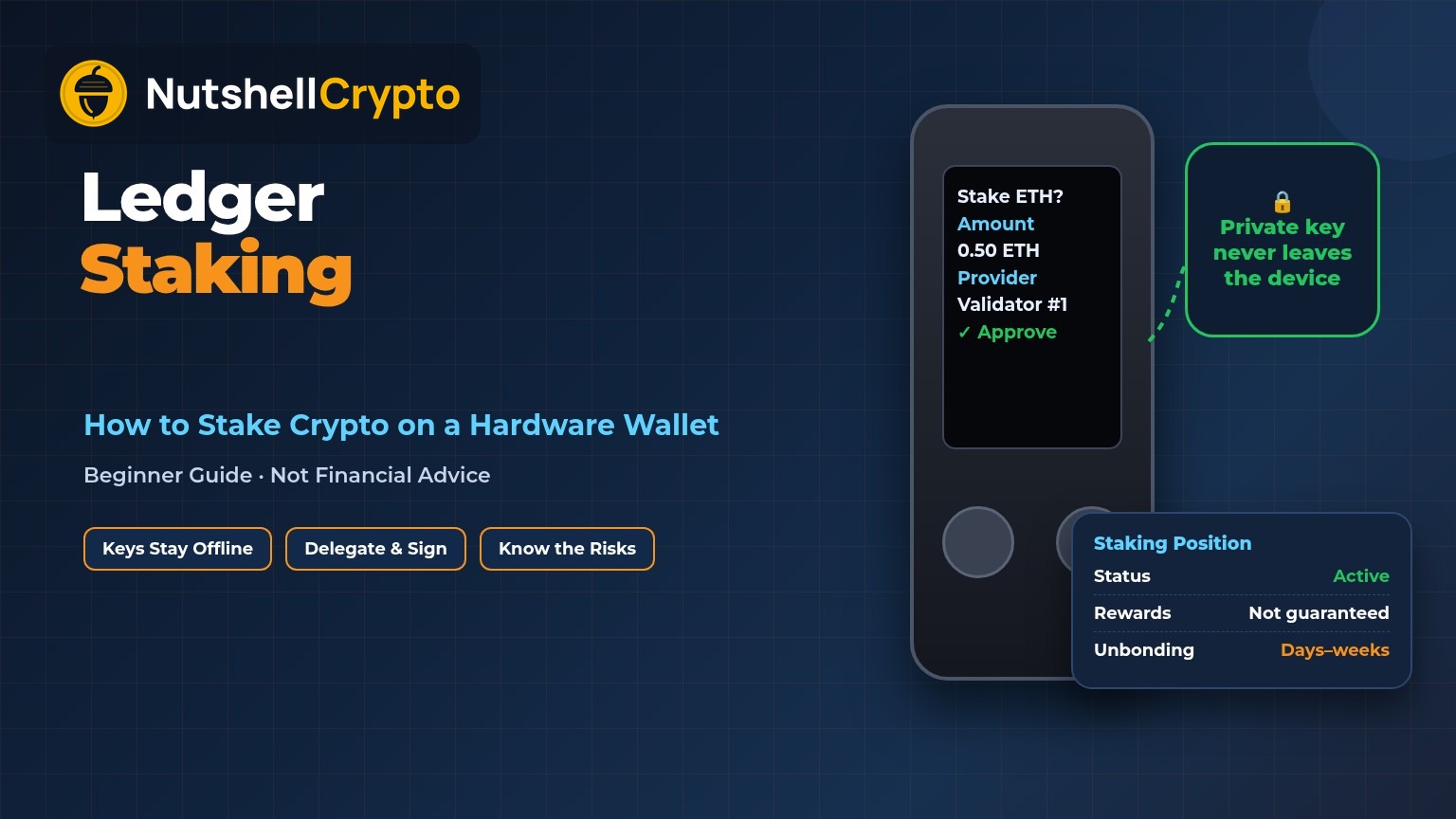
A Ledger device stores your private keys offline. Your coins themselves live on the blockchain. When you stake, you are not sending coins “into” the Ledger or out to Ledger the company. You are signing a blockchain transaction that says “delegate this stake to this validator” or “deposit this ETH with this staking provider.”
Ledger explains in its Academy guide to staking with Ledger Wallet (July 8, 2026) that the app acts as an interface to integrated third-party providers, and the transaction details are sent to your device for review. You read the validator or provider, the asset and the amount on the device’s secure screen, then confirm physically. Ledger calls this Clear Signing. The signing happens inside the device’s Secure Element chip, so the key does not touch your internet-connected computer or phone.
There are three broad ways to stake through the app, according to the same Ledger guide:
- Native or delegated staking: you delegate to a validator on the coin’s own network (for example Solana or Cosmos). The validator does the technical work; the stake stays in your account on-chain.
- Pooled staking: your coins are combined with other users’ coins to reach a network minimum, such as Ethereum’s 32 ETH per validator.
- Liquid staking: a provider gives you a receipt token (for example Lido’s stETH) that represents your staked coins and can be moved or used elsewhere. Our liquid staking guide covers how these tokens work.
New to the idea itself? Start with what staking in crypto is, then come back here for the Ledger side.
Ledger Staking vs Staking on an Exchange
On an exchange, the platform holds your coins and stakes them for you. You have an account balance, not the keys. If the platform freezes withdrawals or fails, your staked coins are stuck with it. Ledger’s own guide points to Celsius freezing withdrawals and FTX collapsing in 2022 as examples of what custodial staking can lead to.
With a Ledger, you keep the keys. That is the whole idea of self-custody. Ledger’s staking page also notes you get to choose your own validator, which an exchange normally does for you. The trade-off: you are responsible for every approval you sign, and for keeping your recovery phrase safe. If you are still deciding between device types, see hot wallet vs cold wallet.
| Staking from a Ledger | Staking on an exchange | |
|---|---|---|
| Who holds the keys | You (on the device) | The exchange |
| Who picks the validator | You, from the providers shown in the app | Usually the exchange |
| Main extra risk | Signing the wrong thing, losing the recovery phrase, provider risk | Platform freeze, hack or bankruptcy |
| Who you trust | The network, the validator or provider you pick | The exchange and its staking partners |
Which Coins Can You Stake on a Ledger?
Ledger’s support article Staking your crypto through Ledger Wallet (last updated June 17, 2026, checked October 24, 2026) lists step-by-step tutorials for these assets:
- Cardano (ADA), Celo (CELO), Cosmos (ATOM), Ethereum (ETH), Hedera (HBAR), Injective (INJ)
- MultiversX (EGLD), NEAR (NEAR), Onomy (NOM), Osmosis (OSMO), Persistence, Polkadot (DOT)
- Polygon (POL), Quicksilver (QCK), Solana (SOL), Tezos (XTZ) and Tron (TRX)
Ledger’s newer Academy guide also names AVAX and BNB among assets you can stake through the Earn tab, and adds stablecoin yield through DeFi lending (via Kiln, which routes deposits to protocols such as Aave, Morpho and Compound). Stablecoin lending is not network staking, and it carries smart contract and lending risks of its own. Ledger says the live list inside the Earn tab “always reflects the most current options,” so check the app before you plan around a specific coin.
Our coin guides go deeper on each network’s rules: SOL staking, how to stake Ethereum, Polkadot staking, Cosmos staking, ADA staking, AVAX staking and Polygon staking.
How to Stake Crypto on a Ledger: Step by Step
Exact screens differ by coin and provider, but the general flow in Ledger’s support guides looks like this:
- Update everything. Install the latest Ledger Wallet app from Ledger’s official site, update the device’s firmware, and install the latest version of that coin’s app on the device. Some coins need a minimum app version to stake. Ledger’s Solana staking guide, for example, asks for Solana app version 1.2.0 or above.
- Connect and open the coin app. Plug in or pair the device, unlock it, and open the coin’s app on the device.
- Open the account and choose Earn or Stake. In Ledger Wallet, go to the coin’s account and click Earn or Stake. For some providers (such as ETH solo or pooled staking), you start from the Discover section instead.
- Pick a validator or provider. The app may suggest one (for Solana, Ledger by Figment), but you can usually choose another. Look at commission and track record, not just the headline rate.
- Choose the amount, and leave some behind. Keep a small balance unstaked to pay future network fees. Ledger’s Solana guide suggests keeping at least 0.01 SOL available, because you need SOL to withdraw rewards later.
- Verify on the device and approve. Check that the amount, validator or provider and fee on the device screen match what you intended. If anything looks off, reject it.
- Track it in the Earn tab. Ledger’s Earn section guide (updated May 14, 2026) says the Earn tab has two parts: “Assets earning rewards,” which tracks what you are staking, and “Earn more rewards,” which shows assets eligible to stake with estimated rewards. Ledger says the Earn data currently covers SOL, XTZ, NEAR, ATOM, ETH and Lido’s stETH, so some staked coins may not show there yet.
Unstaking is a separate transaction, and many networks make you wait. On Solana, Ledger says it takes up to 3 days for new stake to become active and 3 to 4 days for deactivated stake to become withdrawable. Each network has its own timing; our coin guides list them.
Staking ETH on a Ledger: Solo, Pooled and Liquid
Ethereum has the most choices, and they are quite different. Ledger’s support article How to stake ETH through Ledger Wallet (updated May 14, 2026) compares three:
| Solo staking | Pooled staking | Liquid staking | |
|---|---|---|---|
| Providers in Ledger Wallet | Kiln or Figment | Kiln | Lido or Stader |
| Amount | Multiples of 32 ETH | From 0.05 ETH | Any amount |
| What you hold | A validator funded by your ETH | A position shown in the Kiln app | A receipt token such as stETH |
| Depeg risk | No | No | Yes |
| US users | Check the app | Not available (per Ledger) | Check the app |
- Solo staking (32 ETH): Ledger describes this as native staking through a validator-as-a-service provider, so you do not run the node yourself. Ledger calls it “considered to be a less risky option,” but the entry cost is high, reward withdrawals can be delayed, and the provider charges a fee.
- Pooled staking (from 0.05 ETH): your ETH is combined with others’ to fill validators. Ledger notes that “for legal reasons, US-based users cannot use the pooled staking service through Ledger Wallet,” and that pooled staking is “often considered riskier” because it is not natively supported on the Ethereum network. Your staked ETH appears in the Kiln app, not in your normal Ethereum account. (Ledger’s Academy guide also mentions ChorusOne and Coinbase as pooled options; which ones you see can depend on your app version and country.)
- Liquid staking (any amount): you get stETH (Lido) or a similar token back. It can be moved or used in DeFi, but Ledger warns the token can “deviate from the value of the underlying asset” during volatile markets. That is the depeg risk.
On timing, Ledger’s Academy guide says ETH unstaking follows the network’s exit queue and “can range from a few days to a few weeks.” Our Ethereum staking guide compares these routes with non-Ledger options such as exchanges and running your own validator.
Fees and Rewards
There are usually two kinds of cost:
- Network fees: every stake, unstake and withdrawal is an on-chain transaction. Ledger’s Academy guide says this fee is “set by the network itself rather than by Ledger.”
- Validator or provider fees: validators and staking providers take a share of rewards (often called commission). Ledger’s ETH article says the fee “depends on the provider and the amount you stake.” Ledger’s Solana guide describes the return as roughly the network’s yield minus a commission fee.
The Earn tab shows estimated APR or APY. Ledger’s Earn FAQ explains that APY includes compounding and APR does not, and that “the generated rewards may vary from the estimated rewards.” Rates change with network conditions and provider commission, so we don’t quote a fixed number here. Rewards are paid in the coin you stake, so their value in dollars rises and falls with its price.
Risks a Hardware Wallet Does Not Remove
A Ledger protects your keys from hackers and malware. It does not protect you from the risks built into staking itself:
- Validator penalties and slashing: ethereum.org explains that validators who go offline lose small amounts of ETH, while provable misbehavior, such as signing two conflicting blocks, leads to slashing, where part of the stake is destroyed. Other networks have their own rules. Pick validators with a solid record.
- Lockups and unbonding: your coins may be stuck for days or weeks after you unstake. Ledger’s Academy FAQ says some assets allow immediate unstaking while others have lock-up or unbonding periods. If you might need the money soon, check this first.
- Third-party provider risk: Ledger says on its staking pages that staking services “are provided by third-party providers” and that Ledger is “a technology provider.” If you use a pooled or liquid staking provider, you are trusting its smart contracts and operators.
- Depeg risk: liquid staking tokens can trade below the coin they represent, especially in a sell-off.
- Price risk: staking rewards do not protect you if the coin’s price falls. A 3% reward on a coin that drops 30% is still a loss in dollar terms.
- Phishing and fake apps: scammers copy the Ledger Wallet app, send fake “update” emails, and run fake staking sites. Ledger’s support site carries this warning on every page: “Ledger will never ask for the 24 words of your recovery phrase. Never share them.”
One piece of good news: Ledger says your staked position lives on the blockchain, not on the device. If you lose your Ledger, you can restore your accounts, including staked positions, on a new device with your recovery phrase. That is why the phrase matters so much. Read our guide to seed phrases and how to store them safely.
Safety Checklist Before You Stake
- Only download Ledger Wallet from Ledger’s official website or official app stores. Never from ads, emails or DMs.
- Never type your 24-word recovery phrase into a computer, phone, website or app. No real support agent will ask for it.
- Read the device screen, not just the app screen, before you approve. If the amount or address looks wrong, reject it.
- Be very careful with “blind signing” requests you can’t read. Clear Signing exists so you can see what you approve.
- Start with a small amount the first time, and run a test unstake if the network allows it.
- Keep enough of the coin unstaked to pay future network fees.
- Know the unbonding time before you stake, and don’t stake money you may need soon.
Moving coins from an exchange first? Our guide on transferring crypto to a cold wallet walks through test transfers and address checks.
US and Canada Notes: Taxes and Availability
United States: the IRS ruled in Revenue Ruling 2023-14 that staking rewards are included in gross income, valued at fair market value, in the year the taxpayer gains “dominion and control” over them. Staking from a hardware wallet does not change that. Selling or swapping the rewards later can also create a capital gain or loss.
Canada: the CRA’s guidance on income from crypto mining and staking says rewards from staking on a centralized exchange “will generally be considered as income under the Income Tax Act” when they are credited, and that staking can also count as business income depending on how you do it. The page focuses on exchange staking, so if you stake from your own Ledger, ask a Canadian tax professional how the rules apply to you.
Keep records of each reward: date, amount and value at the time. Our crypto staking taxes guide covers the US and Canadian rules in more detail.
Availability: some staking services in Ledger Wallet are not offered everywhere. Ledger says third-party services “may not be available in all jurisdictions,” and its ETH pooled staking is not offered to US-based users. What you see in the app can depend on where you live.
FAQ
Is Ledger staking safe?
It is safer for your keys than leaving coins on an exchange, because the keys stay on the device and you approve each transaction. It is not risk-free: you still face slashing, lockups, provider and smart contract risk, depeg risk on liquid tokens, and price swings.
Does Ledger take a cut of my staking rewards?
Ledger says staking services come from third-party providers, and the validator or provider charges a fee or commission. You also pay network fees. Check the fee shown for your provider in the app before you confirm.
Can I unstake any time?
You can start an unstake any time, but many networks have an unbonding period before the coins are spendable. On Ethereum, Ledger says the exit queue can take a few days to a few weeks.
What happens to my staked coins if I lose my Ledger?
According to Ledger, staked positions live on the blockchain, so you can restore access on a new device with your recovery phrase. Without the phrase, you can’t.
Can I stake Bitcoin on a Ledger?
Bitcoin uses proof-of-work, so it has no native staking. Ledger’s support site lists separate third-party “BTC yield” products, which carry their own extra risks and are not the same as staking.
Is Ledger Wallet the same as Ledger Live?
Yes. Ledger’s support pages now call the app “Ledger Wallet (formerly Ledger Live).”
This article is for education only and is not financial, legal or tax advice. Staking rewards are not guaranteed, and crypto prices can fall sharply. NutshellCrypto is not affiliated with Ledger.
Sources
- Ledger Academy: How to Stake Crypto with Ledger Wallet (July 8, 2026)
- Ledger Support: Staking your crypto through Ledger Wallet (updated June 17, 2026)
- Ledger Support: How to stake ETH through Ledger Wallet (updated May 14, 2026)
- Ledger Support: How to use the Earn section in Ledger Wallet (updated May 14, 2026)
- Ledger Support: Earn section FAQs (updated May 14, 2026)
- Ledger Support: Staking Solana (SOL) through Ledger Wallet (updated August 4, 2026)
- Ledger: Staking crypto
- ethereum.org: Ethereum staking
- IRS: Revenue Ruling 2023-14
- Canada Revenue Agency: Income from crypto mining and staking