In a nutshell: A DeFi wallet is a self-custody (non-custodial) crypto wallet: you hold the keys, and you use it to connect to decentralized apps (dApps) and approve transactions yourself. Unlike an exchange account, no company can reset your access, so your seed phrase and every signature you approve are your responsibility. Educational only; not financial advice.
Last updated: October 7, 2026.
To swap on a decentralized exchange, lend through a DeFi app, or hold crypto without trusting an exchange, you need a DeFi wallet. Here is how it works, which wallets fit the label, and how to set one up safely. New to the topic? Read our beginner’s guide to DeFi and our crypto wallet guide first.
Table of contents
What Is a DeFi Wallet?
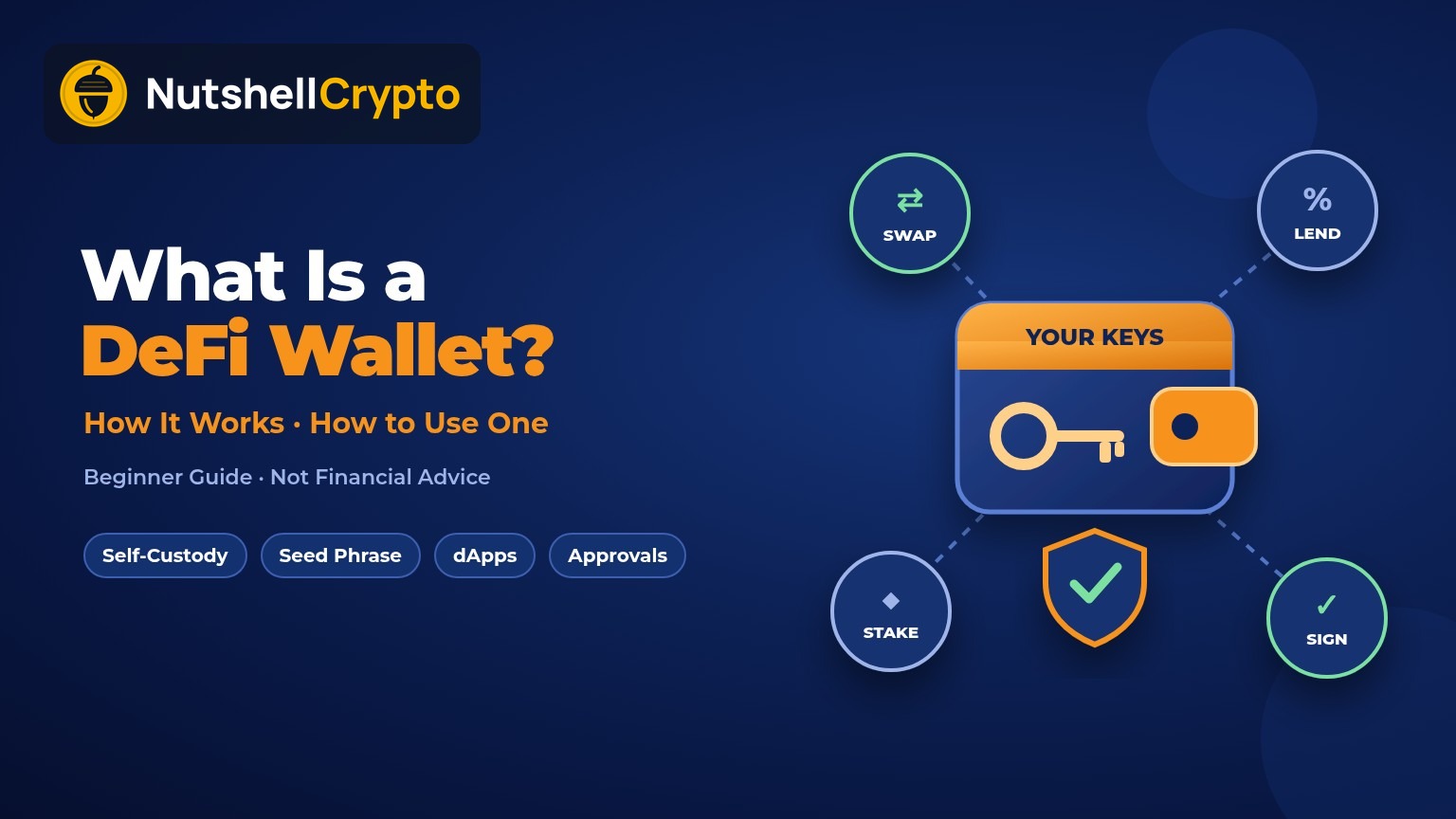
A DeFi wallet is an app, browser extension, or device that gives you direct control of a blockchain account and lets you use decentralized finance apps with it. You will also see it called a self-custody, self-custodial, or non-custodial wallet. The idea is the same: you, not a company, control the keys.
One point surprises many beginners: a wallet does not actually “hold” your coins. The SEC’s investor bulletin on crypto custody explains that crypto wallets store the private keys for your assets, not the assets themselves. Your balance lives on the blockchain. Ethereum.org puts it this way: wallet providers don’t have custody of your funds; they give you a window to see and manage your assets, and you can switch wallet apps at any time.
DeFi Wallet vs Exchange Account
When you leave crypto on a centralized exchange, the exchange holds the keys for you (custodial storage). Ethereum.org notes that exchanges link your account to a username and password you can recover the traditional way, but you are trusting them with custody. The SEC bulletin adds that if a third-party custodian is hacked, shuts down, or goes bankrupt, you may lose access to your crypto.
| DeFi (self-custody) wallet | Exchange (custodial) account | |
|---|---|---|
| Who holds the keys | You | The exchange |
| Forgot your login? | Restore with your seed phrase, or the funds may be lost | Reset through the company |
| Use dApps and DeFi | Yes, connect directly | Usually only the exchange’s own products |
| Main risk | Your own mistakes, phishing, bad approvals | Company failure, hacks, frozen withdrawals |
Self-custody removes company risk but puts all the security work on you. Many people use both: an exchange to buy, and a DeFi wallet to hold and use crypto.
How a DeFi Wallet Works
Seed phrase and private keys
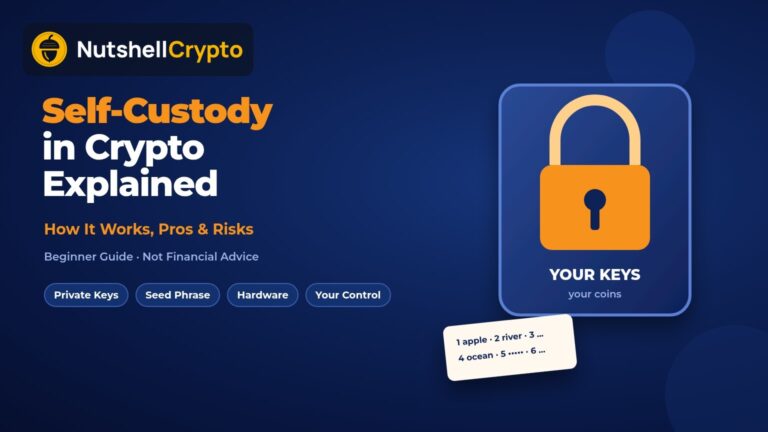
When you create a wallet, it generates a recovery phrase, also called a seed phrase or secret recovery phrase. Ethereum.org says this phrase usually has 12 to 24 random words, the order matters, and anyone who knows it can take control of all your funds. MetaMask’s help center describes it as the “master key”: every account in the wallet is derived from it, each account has its own private key, and MetaMask cannot recover your wallet if you lose it. Your password only unlocks the app on one device; the seed phrase restores everything.
Addresses
Your public address is safe to share, like an account number. Ethereum addresses start with “0x” and, per ethereum.org, work across EVM-compatible networks. Bitcoin uses a different format, so never send bitcoin to an Ethereum address.
Connecting to dApps
On a DeFi app you click “Connect,” pick your wallet (or WalletConnect for a phone wallet), and approve the request. Ethereum.org’s how to use a wallet guide points out that you don’t need to register an email or personal details, and simply connecting should not cost any ETH.
Signing transactions
Every swap, deposit, or transfer appears in your wallet as a request you must sign, which proves you hold the key without revealing it. Read each one first: ethereum.org notes confirmed transactions can’t be canceled.
Gas fees
Blockchains charge a fee to process transactions. According to ethereum.org’s gas guide, Ethereum fees are paid in ETH, a basic ETH transfer uses 21,000 units of gas, and the fee is charged even if a transaction fails. Most wallets suggest the fee for you. Other networks charge fees in their own native token, so keep a small balance of it in the wallet or you will get stuck.
Smart wallets without a seed phrase
Some newer wallets are smart contract wallets. Ethereum.org’s account abstraction page explains that these can add backup keys, batch steps like approve-and-swap, and set spending rules. Some replace the seed phrase with a passkey or Google or Apple sign-in, so recovery depends on those logins.
Examples of DeFi Wallets
Each description comes from the wallet’s official site or docs. Features change often, and a listing here is not an endorsement.
MetaMask
MetaMask’s getting started guide calls it a browser extension and mobile app that manages private keys for Ethereum, Solana, Bitcoin, and other blockchains and lets you interact with dApps. It creates a 12-word recovery phrase by default. It also offers Google, Apple, or Telegram sign-in, which backs the phrase up online in encrypted pieces; you then need that login plus your MetaMask password.
Phantom
Phantom describes itself as a self-custodial wallet for Solana, Ethereum, Bitcoin, and other networks. It says it never has access to your funds, flags malicious transactions with scam detection, and can connect to a Ledger hardware wallet.
Rabby
Rabby Wallet is an open-source browser extension built for DeFi on Ethereum and other EVM chains. Curious why open code matters? See our open source crypto wallet guide.
Coinbase Wallet
Coinbase Wallet is a separate app from a regular Coinbase exchange account. Coinbase’s wallet page now redirects to base.app, which describes Coinbase Wallet as a self-custodial, multi-chain wallet for BTC, ETH, SOL, and dozens of other chains. Know which Coinbase app you are using, since the custody models differ.
Crypto.com Onchain (formerly DeFi Wallet)
Crypto.com’s old DeFi Wallet address now redirects to its Onchain wallet page, which says “Onchain Wallet is now Ult, powered by Cronos.” Crypto.com describes Ult as a self-custodial app built by Cronos Labs that uses a smart wallet with no seed phrase, and notes that the main Crypto.com App is custodial. It says existing users can still switch back to Onchain Wallet mode with the same keys.
How to Set Up a DeFi Wallet, Step by Step
- Pick a wallet that supports your network. Ethereum.org’s wallet finder lets you filter by features, including a “New to crypto” filter.
- Download only from the official source. Open the app store or extension store link from the wallet’s own website. MetaMask warns that cloned apps exist that record your recovery phrase as soon as it’s generated.
- Create a new wallet and set a strong password.
- Write down your seed phrase on paper, in order. Don’t screenshot it, email it, or save it to the cloud. Ethereum.org warns that screenshots can sync to cloud storage, where hackers look for keys.
- Send a small test amount from your exchange to your new address, picking the same network on both sides.
- Keep a little of the native token (for example ETH on Ethereum) for gas.
- Connect to a dApp you typed or bookmarked yourself, never from an ad or DM, and approve only what you understand.
Holding a larger amount long term? Pair it with a hardware wallet. Our hot wallet vs cold wallet guide explains the trade-offs.
Risks to Know
- Phishing and fake sites. Ethereum.org’s security page warns that phishing emails send users to imitation websites that ask for their seed phrase or for ETH. Fake “support” agents in chats try the same trick.
- Token approvals. Many DeFi apps ask for permission to spend a token on your behalf. Ethereum.org’s guide to revoking token access explains that an unlimited approval lets a contract spend all of that token, permissions have no expiry date, and disconnecting your wallet from a site does not remove them. You revoke them with a small on-chain transaction using tools like Revoke.cash.
- Wallet drainers. Ethereum.org says an unlimited spend could let a contract drain your wallet. It also describes airdrop scams, where a surprise token lures you to a site that asks you to sign a malicious approval.
- Lost seed phrase. The SEC warns that with self-custody you may permanently lose access if your keys or seed phrase are lost or stolen. No help desk can restore them.
- No undo button. The FTC notes that crypto payments typically can’t be reversed, and that no real business will demand crypto up front.
DeFi Wallet Safety Checklist
- Seed phrase written down offline, never typed into a website or shared with “support.”
- Wallet installed from the official site or store link.
- Favorite dApps bookmarked; links from ads, DMs, and surprise airdrops ignored.
- Limited approval amounts where your wallet allows it, and old approvals revoked.
- A separate “everyday” wallet for new apps, with savings kept elsewhere. Teams and large holders can look at a multisig wallet.
- Every signature request read, and canceled if it’s unclear.
FAQ
Is a DeFi wallet the same as a crypto wallet?
A DeFi wallet is a type of crypto wallet: one you control yourself that can connect to decentralized apps. An exchange account is also loosely called a “wallet,” but the exchange holds the keys.
Is a DeFi wallet free?
Ethereum.org notes that wallet apps should be free to download. You still pay network gas fees when you send transactions.
Can I use the same seed phrase in another wallet?
Usually, yes. Ethereum.org says you can enter your seed phrase into most other wallets to restore your account. Only do this in a wallet you trust, downloaded from the official source.
Is a DeFi wallet safer than an exchange?
It removes exchange risk but adds the risk of your own mistakes, such as phishing, risky approvals, and fake websites.
Sources
- SEC / Investor.gov: Crypto Asset Custody Basics for Retail Investors
- Ethereum.org: Ethereum wallets
- Ethereum.org: How to create an Ethereum account
- Ethereum.org: How to use a wallet
- Ethereum.org: Gas and fees
- Ethereum.org: Account abstraction
- Ethereum.org: Ethereum security and scam prevention
- Ethereum.org: How to revoke token access
- MetaMask: Secret Recovery Phrase, password and private keys and Getting started with MetaMask
- Phantom official site
- Rabby Wallet on GitHub
- Coinbase Wallet (base.app)
- Crypto.com: Onchain Wallet is now Ult
- Revoke.cash: What are token approvals?
- FTC: What to know about cryptocurrency and scams
Educational content only. This is not financial or investment advice. Crypto is volatile and you can lose money. Do your own research before you act.