In a nutshell: Self-custody means you hold the private keys to your crypto yourself, in a wallet you control, instead of leaving coins with an exchange or other company. It removes the risk of a platform freezing or losing your funds, but it makes you fully responsible: if you lose your keys or recovery phrase, nobody can get your crypto back. Educational only; not financial advice.
Last updated: October 9, 2026.
You may have heard the phrase “not your keys, not your coins.” Self-custody is the practice behind it. This guide explains what self-custody really means, how it works under the hood, the main ways to set it up, the pros and the risks, and what US and Canadian readers should know. If you want the wallet-by-wallet comparison instead, see our guides to custodial wallets and hot vs cold wallets.
Table of contents
What Is Self-Custody?
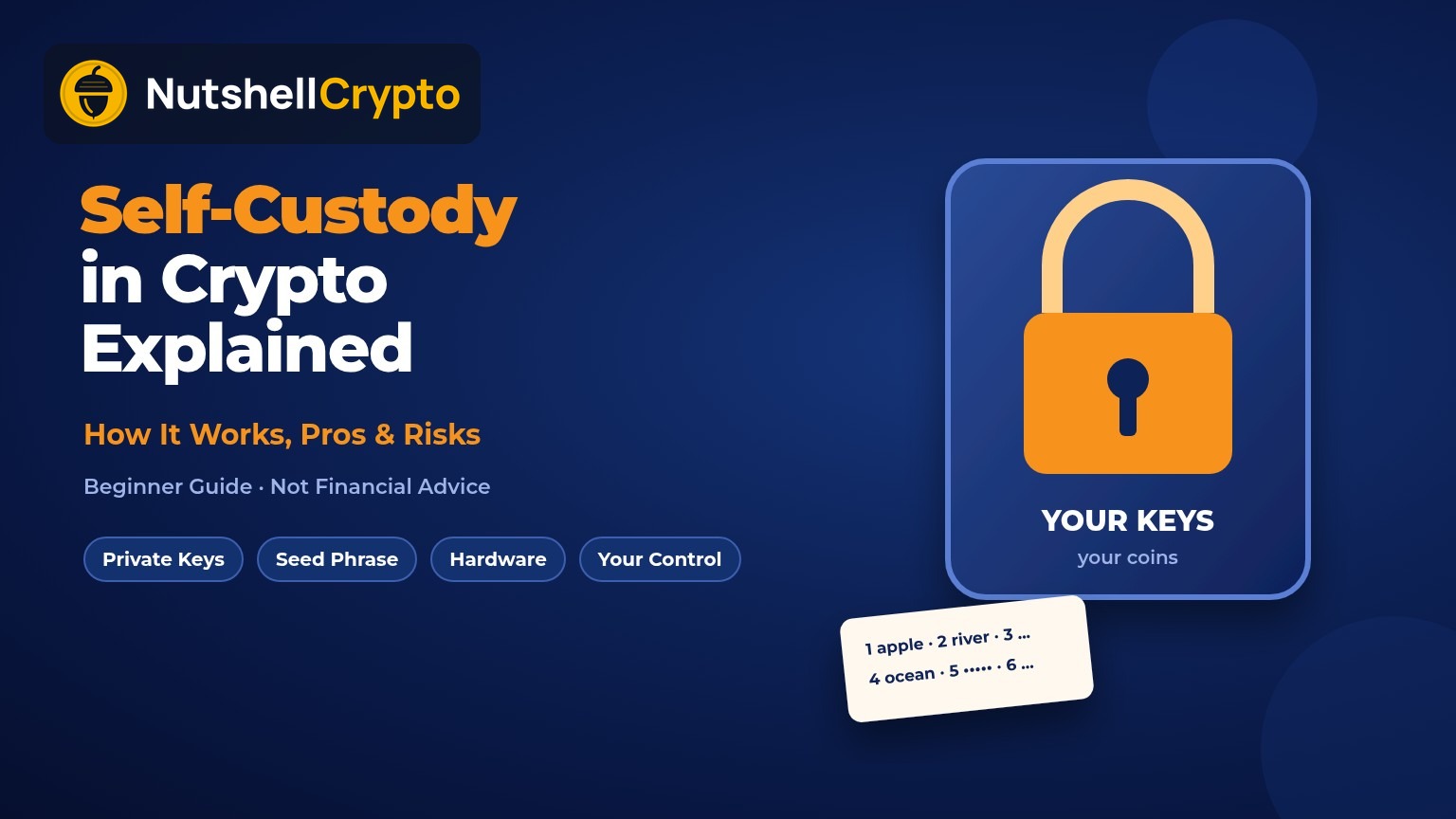
Self-custody is when you, not a third party, control the private keys that move your crypto. Crypto does not sit “inside” a wallet app. Coins live on a blockchain, and whoever controls the private key for an address can sign transactions that spend them. In self-custody, that key is created and stored on your phone, computer, hardware device or a setup you design.
The US Securities and Exchange Commission puts the trade-off plainly in its December 2025 investor bulletin on crypto custody: with self-custody you have sole responsibility for your keys, and if your wallets are lost, stolen, damaged or hacked, you may permanently lose access to your crypto. With third-party custody, you depend on the custodian staying secure and solvent.
Self-custody is a choice about who holds the keys, not a single product. A free phone app, a hardware device, a multisig wallet and a paper backup can all be forms of self-custody.
How Self-Custody Works
When you create a self-custody wallet, the software generates a random private key, or more often a master “seed” that can produce many keys. Most wallets show this seed as a recovery phrase of 12 or 24 words, based on the BIP-39 standard, which uses a fixed list of 2,048 words.
- Key creation: the wallet generates the seed on your device. A legitimate wallet never asks you to type the seed into a website.
- Backup: you write down the recovery phrase and store it offline. Anyone with those words can rebuild your wallet and take the funds.
- Receiving: the wallet derives public addresses from your keys. You share an address to receive crypto; this is safe to share.
- Sending: the wallet signs a transaction with your private key and broadcasts it to the network. No company approves it, and it cannot be reversed.
- Recovery: if your phone or device breaks, you restore the same keys on a new wallet using the recovery phrase.
Ethereum.org and Bitcoin.org both stress the same point: the wallet app is just an interface. The keys, and your backup of them, are what actually matter.
Ways to Self-Custody, From Simple to Advanced
There is no single “right” setup. Most people pick based on how much they hold and how often they transact.
- Mobile or browser wallet (hot): apps such as MetaMask, Phantom or a Bitcoin wallet on your phone. Easy and free, but the keys live on an internet-connected device. Fine for small, everyday amounts.
- Hardware wallet (cold): a small device, like those from Ledger or Trezor, that keeps keys offline and signs transactions inside the device. A common choice for long-term savings. Our hot vs cold wallet guide covers this split in depth.
- Multisig: a wallet that needs, for example, 2 of 3 keys to move funds, so one lost or stolen key is not fatal. Useful for larger holdings, families and businesses. See how a multisig wallet works.
- Smart-contract and passkey wallets: newer Ethereum-style wallets can add features such as spending limits and “social recovery” through trusted guardians, reducing reliance on a single seed phrase. They add smart contract risk in exchange.
- Paper or metal backups: not a wallet on their own, but the offline record of your recovery phrase. Metal plates survive fire and water better than paper.
Whatever you choose, many self-custody users prefer open-source wallets, because outside developers can review the code that generates and handles their keys.
Self-Custody vs Exchange Custody
| Self-custody | Exchange / third-party custody | |
|---|---|---|
| Who holds the keys | You | The company |
| Forgot your password | Restore with recovery phrase; lose it and funds are gone | Reset through customer support |
| Platform failure or freeze | Not affected | Withdrawals can be paused or lost in bankruptcy |
| Main threats | Losing the backup, phishing, malware, physical theft | Hacks, insolvency, account lockouts |
| Ease of trading | Needs transfers to an exchange or a DEX | Instant buying and selling |
| Best for | Long-term holding, using DeFi, censorship resistance | Beginners, frequent traders, small balances |
Many people use both: an exchange to buy and sell, and a self-custody wallet for coins they plan to hold.
Pros of Self-Custody
- No counterparty risk: when FTX filed for bankruptcy in November 2022 and crypto lender Celsius froze withdrawals that same year, customers could not reach their funds. Coins held in self-custody were not part of those estates.
- No permission needed: you can send, receive and hold at any time without account approvals, withdrawal limits or business hours.
- Direct access to crypto apps: DeFi, NFTs and many staking tools connect directly to self-custody wallets.
- Privacy from platforms: a wallet app usually does not need your ID, although blockchain transactions themselves are public.
- Verifiable ownership: you can check your balance on the blockchain yourself instead of trusting a company’s statement.
Risks of Self-Custody
- Lost recovery phrase: the biggest risk. There is no “forgot password” button. If both your device and backup are gone, the crypto is effectively lost forever.
- Phishing and fake support: scammers pose as wallet support or build fake wallet sites to get your seed phrase. No real wallet company or support agent will ever ask for your recovery phrase, and the FTC warns that crypto payments usually cannot be reversed once sent.
- Malicious approvals: signing a bad smart contract approval can let an attacker drain tokens even without your seed. Read what you sign.
- Irreversible mistakes: sending to the wrong address or wrong network usually cannot be undone.
- Physical and personal threats: a backup stored in an obvious place can be stolen, and large public holders can be targeted. Keep holdings private.
- Inheritance: if no one else knows how to access your wallet, your heirs may never recover it. Plan this carefully, without handing out the seed casually.
How to Start Self-Custody Safely
- Start small. Move a small test amount first and practice receiving and sending.
- Download only from official sources. Get wallet apps from the developer’s site or official app store listing, and buy hardware wallets directly from the maker.
- Write the recovery phrase offline. Paper or metal, never a screenshot, cloud note or email.
- Test your backup. Restore the wallet from the phrase on a spare device before you deposit serious money.
- Store backups in more than one safe place. Protect against fire, flood and theft.
- Always send a test transaction when moving funds from an exchange, and double-check the network and address.
- Upgrade as you grow. Many people move from a phone wallet to a hardware wallet, and later to multisig, as balances rise.
Self-Custody in the US and Canada
Holding your own crypto is legal in both the US and Canada. Self-custody does not change your tax obligations. The IRS treats digital assets as property, so selling, swapping or spending crypto can still be a taxable event, and moving coins between your own wallets is generally not. In Canada, the CRA applies similar income and capital gains rules. Keep your own records, because a self-custody wallet will not send you a tax form. Our guide to crypto taxes in the US and cryptocurrency tax in Canada have more detail.
Exchanges may ask you to confirm that a withdrawal address belongs to you, under anti-money-laundering “travel rule” requirements. That is normal and does not stop you from self-custody.
FAQ
Is self-custody the same as a non-custodial wallet?
Mostly yes. A non-custodial (or self-hosted) wallet is the tool; self-custody is the practice of holding your own keys with it.
Is self-custody safer than keeping crypto on an exchange?
It removes platform risk but adds personal risk. It is safer only if you secure your keys and backups well.
What happens if I lose my hardware wallet?
Your crypto is still on the blockchain. Restore it on a new device using your recovery phrase. Without the phrase, it cannot be recovered.
Can anyone freeze a self-custody wallet?
No company can freeze native coins like BTC or ETH in your wallet. Some stablecoin issuers, however, can freeze their tokens at specific addresses.
Do I need a hardware wallet for self-custody?
No. A phone wallet is self-custody too. Hardware wallets are recommended once the amount you hold would hurt to lose.
Sources
- SEC / Investor.gov: Crypto Asset Custody Basics for Retail Investors
- BIP-39: Mnemonic code for generating deterministic keys
- Ethereum.org: Ethereum wallets
- Bitcoin.org: Secure your wallet
- Reuters: FTX files for bankruptcy
- FTC: What to know about cryptocurrency and scams
- IRS: Digital assets
- CRA: Guide for cryptocurrency users and tax professionals
Educational content only. This is not financial, tax or investment advice. Crypto is volatile, and mistakes in self-custody can lead to permanent loss of funds.